 1,095photossay 3 a day
PHOTOS KEEP PILING UP
Photos pile up.
Time to look back doesn't.
"Somehow I have thousands of photos of my kid."

 iOS
iOSJust pick one best shot from the day's photos.
Not a pile of pictures — only the moments that matter.
 Free download · In-app purchase available
 Apr 3
Apr 3 May 18
 Today's best
 Jul 22
 Sep 11,095photossay 3 a day
PHOTOS KEEP PILING UP
"Somehow I have thousands of photos of my kid."
BUT SOME DAYS, NONE AT ALL
"On weekdays I never took a single one."
Shot a lot today? Pick one.
Nothing yet? We'll remind you.
Either way — one photo a day.
PICK ONE A DAY
From everything you shot today,
just one — today’s best.




 Today's best ✓Today's best one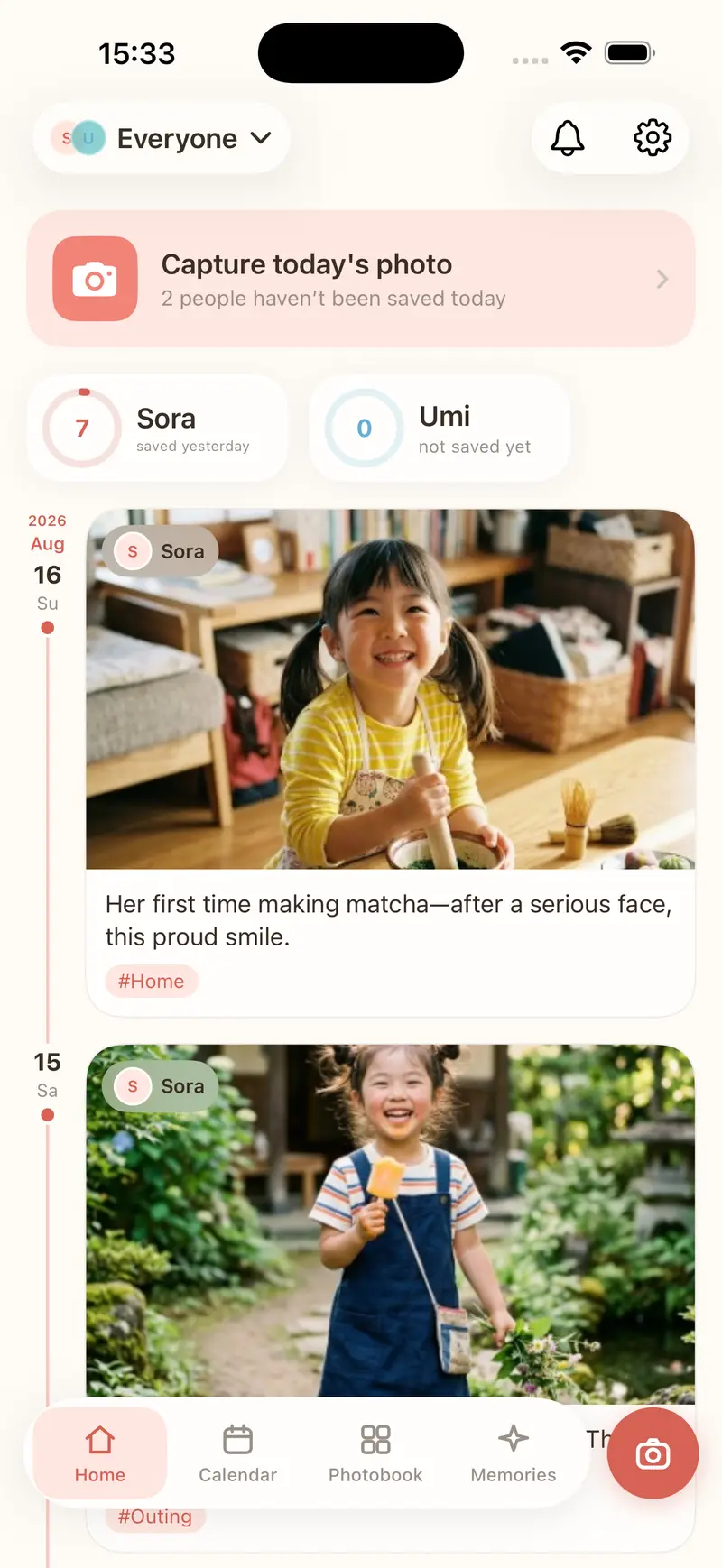
KEEPING IT UP
Two small things that keep today's photo from slipping by. Both free.
Once there are no empty days, the year adds up to 365.
ONE PHOTO A DAY
A photo alone won't bring the day back. Keep the date, a note and tags with it.

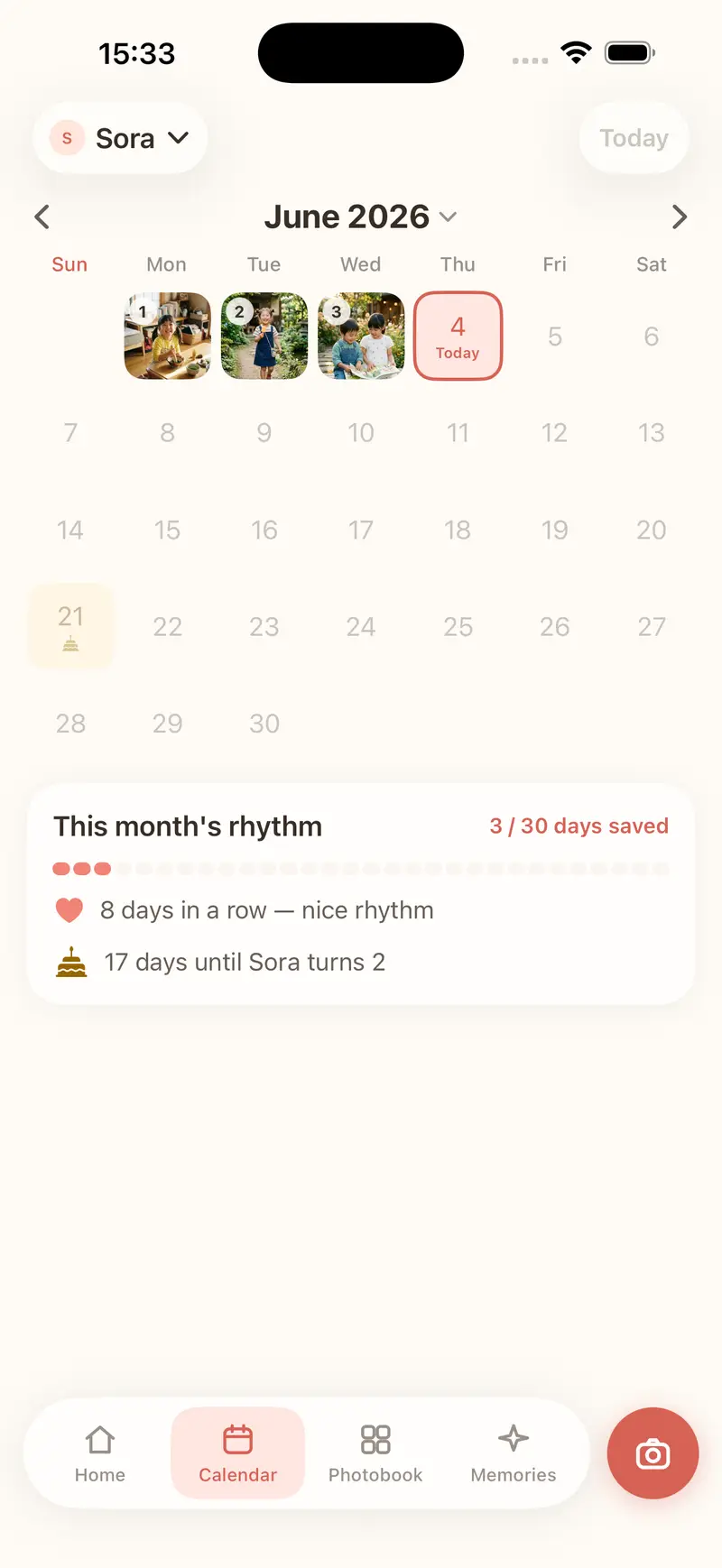
A YEAR THAT GROWS
Every recorded day shows its photo, turning the calendar into a record of them growing.
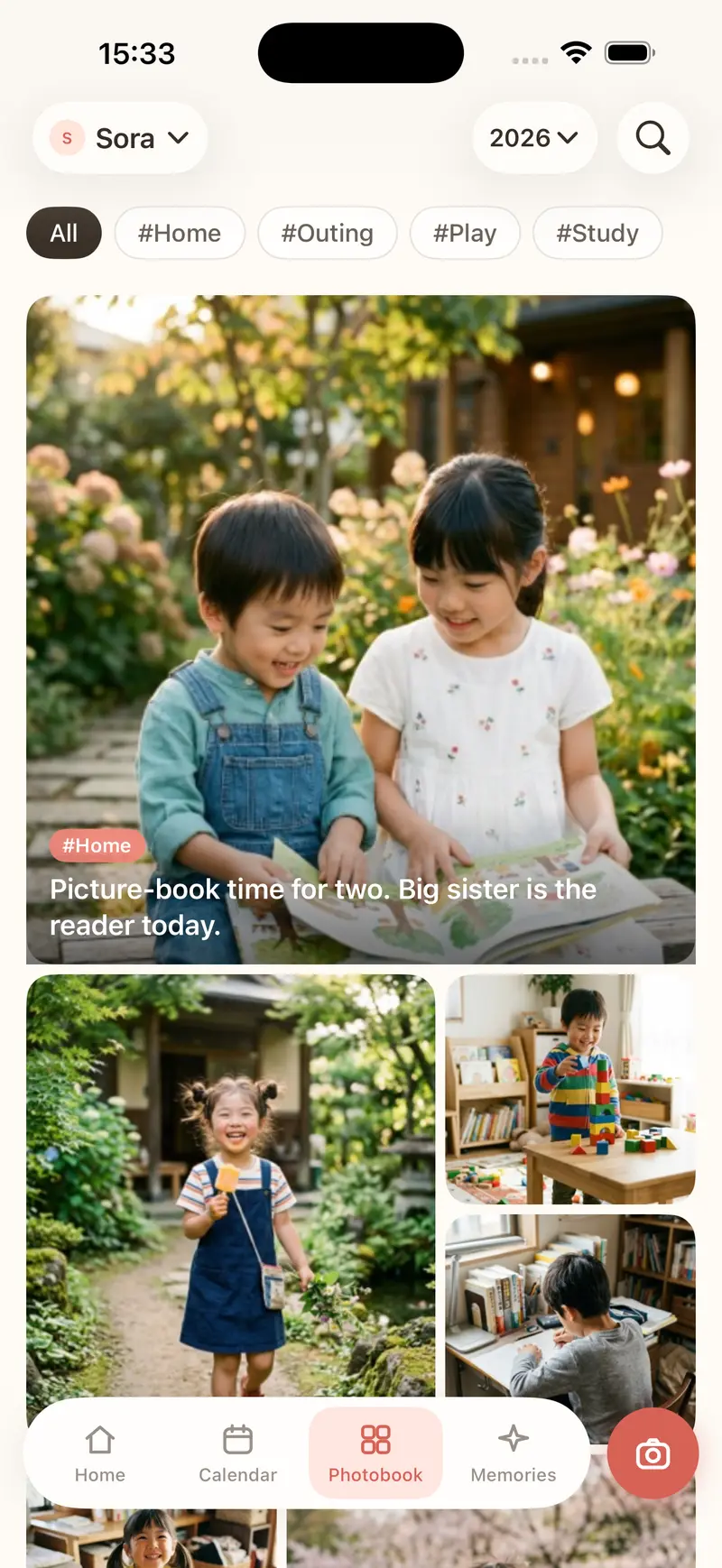
"Firsts", "big smiles". Filter by tag and just the photos line up.
Collections build themselves. Monthly records and a slideshow, too.
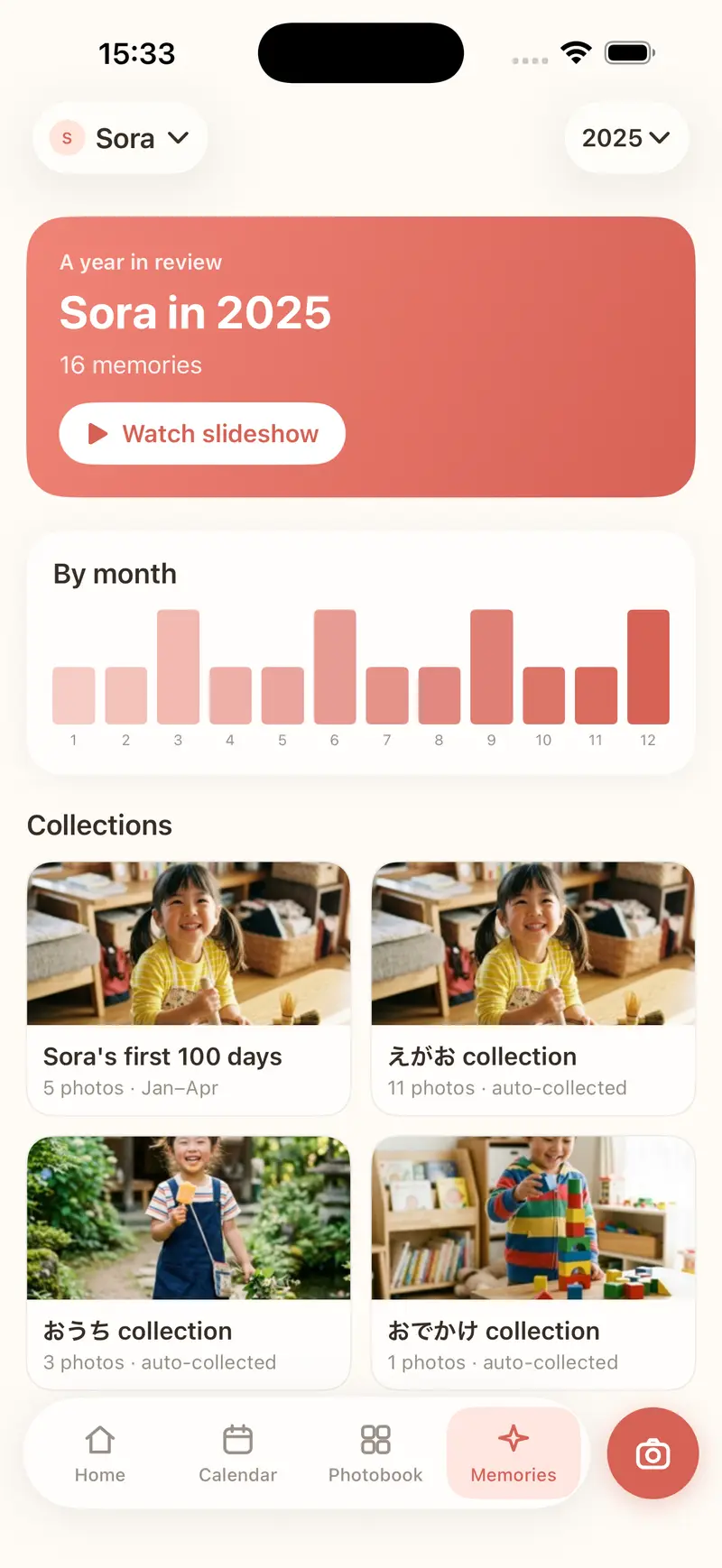
WHAT'S LEFT AFTER A YEAR
Every one of them, the best of its day.

 One year ago today
And then, time to look back.
OUR365
Not more photos.
365 you'll want to revisit.
Easy device transfer (iCloud backup · yearly export).
PRICING
Free, always
Family PRO
Pay onceNo expiry
See App Store for your local price.
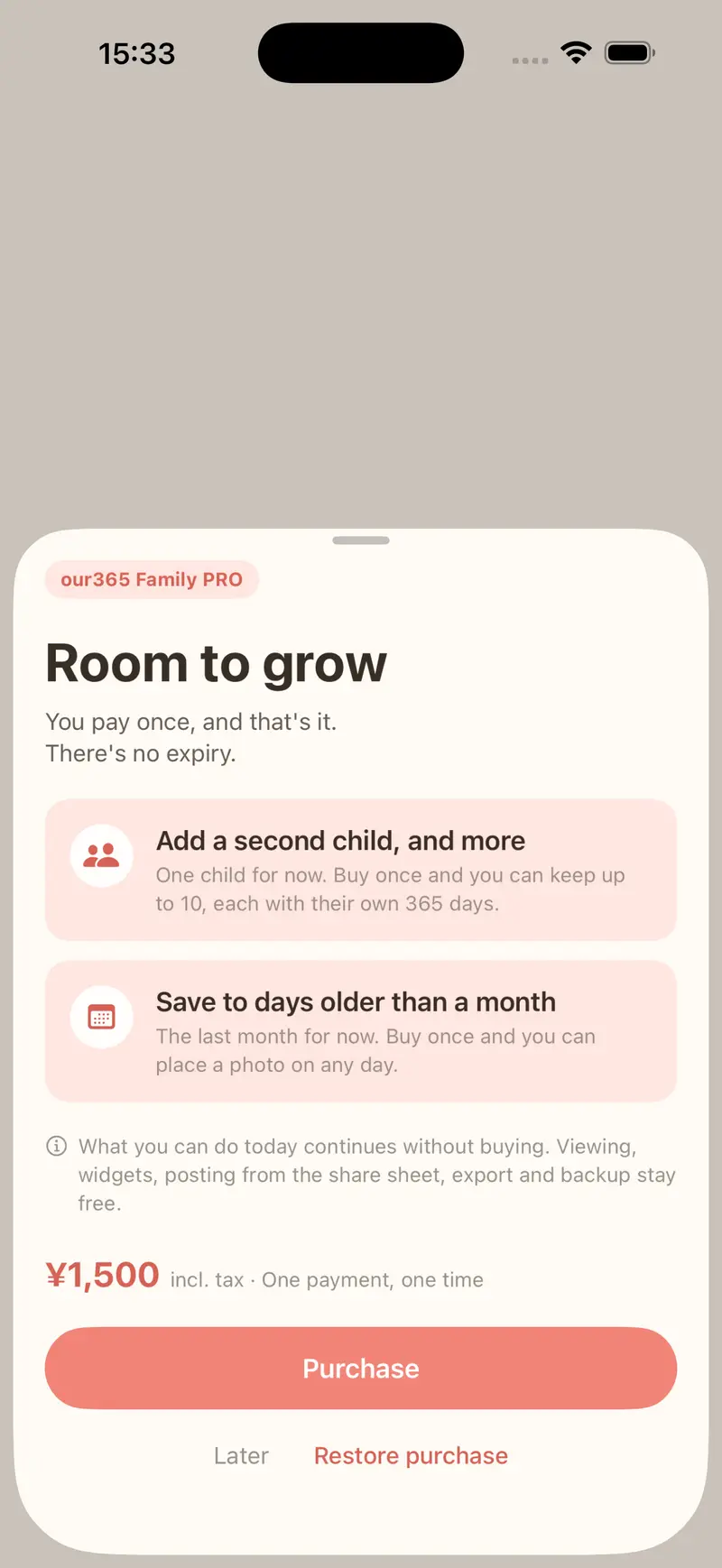 Free download · In-app purchase available
FAQ
Is it a one-time purchase?
Yes. Family PRO is a one-time purchase that never expires. No subscription, and nothing to cancel.
Can I only take one photo a day?
Shoot as much as you like. The one-a-day limit is about what you keep: you pick a single photo from the ones you took that day.
What if I have more than one child?
One photo per child, per day. With two children that's two photos a day, each in their own calendar and photobook (Family PRO is required from the second child).
Will it survive a new phone?
Restore from your iCloud backup.
How many children can I add?
One for free, up to ten with Family PRO.
Can I share it with my family?
For now your photos stay on your device and your own iCloud, and don't sync to other family members' devices. Sharing between partners is planned for a future version.
How much storage does it use?
Photos are kept on your device and in your own iCloud, so it depends on your iCloud space.
Is there an Android version?
iPhone only for now (iOS 26.0 or later).